
AI Productivity Tools Shaping Work, Code, Learning, and Decisions
AI productivity tools are quietly changing how everyday work gets done, without demanding deep technical skill. Instead of adding complexity, these tools remove friction.
They manage customer conversations, review code, analyze data, generate content, and filter information quietly in the background.
Ginni Rometty, Former CEO of IBM rightly said, “AI will not replace humans, but those who use AI will replace those who don’t.”
Today most experts agree on one thing:
That attention is fragmented, and time feels compressed.
In this environment, AI productivity tools serve as practical assistants, handling repeatable thinking and routine analysis.
This frees humans to focus on judgment, and creativity. The result is outcomes that genuinely move work forward, rather than simply staying busy.
Jotform AI: Smarter Conversations and Lead Capture
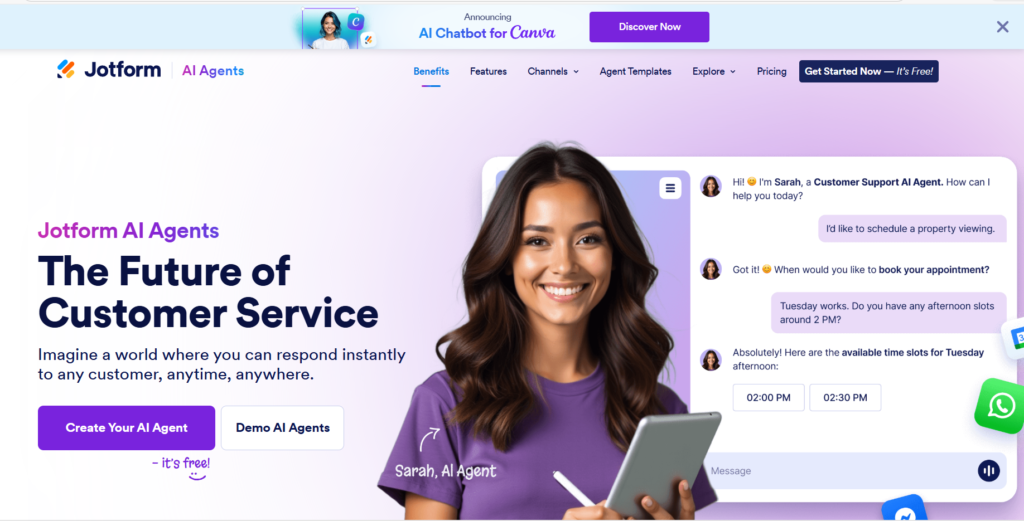
Jotform AI Agents manage conversations across websites, calls, email, and messaging platforms.
They respond instantly, ask the right follow-up questions, and collect lead details accurately.
This ensures no inquiry is missed, even outside business hours.
AI productivity tools like this free teams from constant monitoring and allow sales teams to focus on closing meaningful conversations.
Vivgrid: Cost-Free AI Experimentation
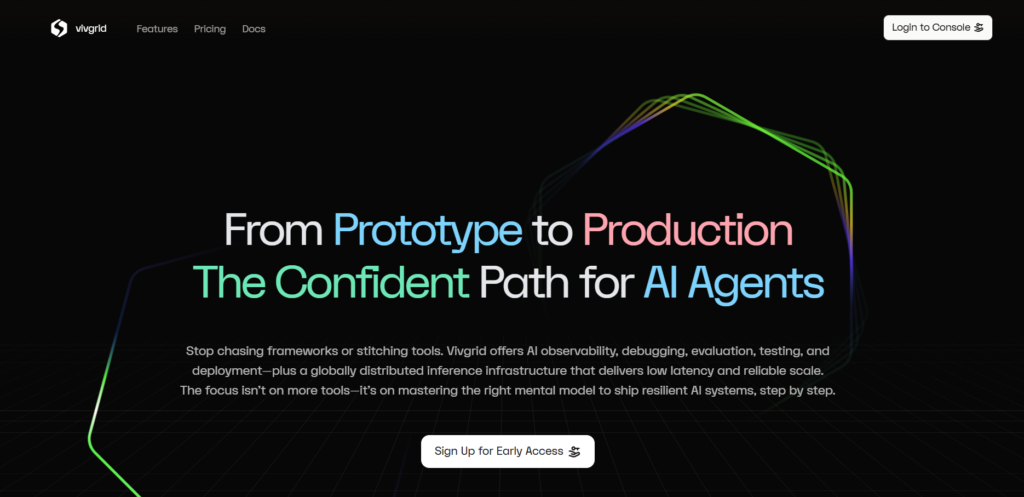
Vivgrid removes a major barrier to AI adoption, cost uncertainty.
By offering free access to large language model APIs, it lets builders test ideas safely.
Developers and non-technical founders can experiment, iterate, and learn without worrying about token usage. Such AI productivity tools are more accessible to early-stage innovation.
Kilo Code: Cleaner, Safer Code
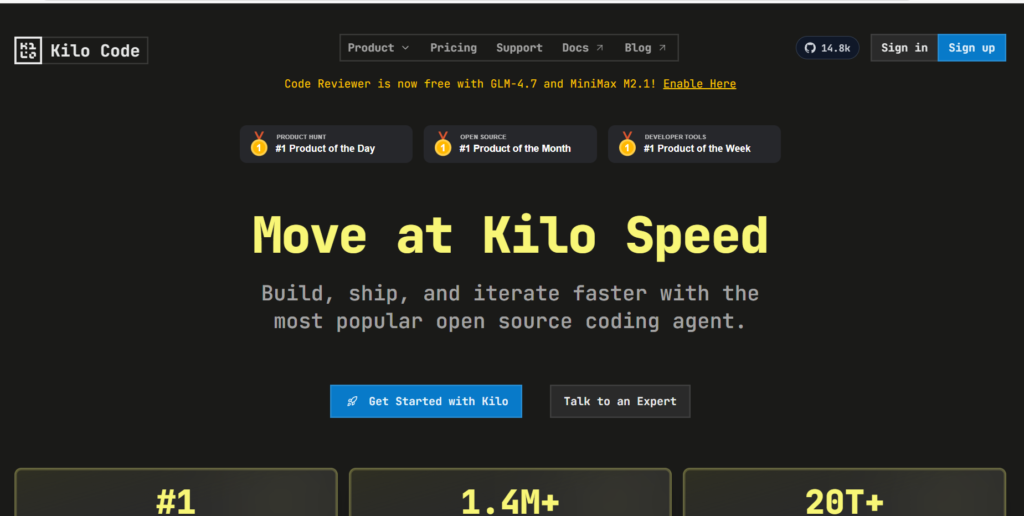
Kilo Code Reviewer automates code quality checks before changes are merged.
It identifies bugs, enforces standards, and leaves clear inline suggestions.
This reduces human error and speeds up development cycles.
AI productivity tools like Kilo Code in software development act like tireless senior reviewers who never miss details.
X-Pilot: Turning Content into Courses
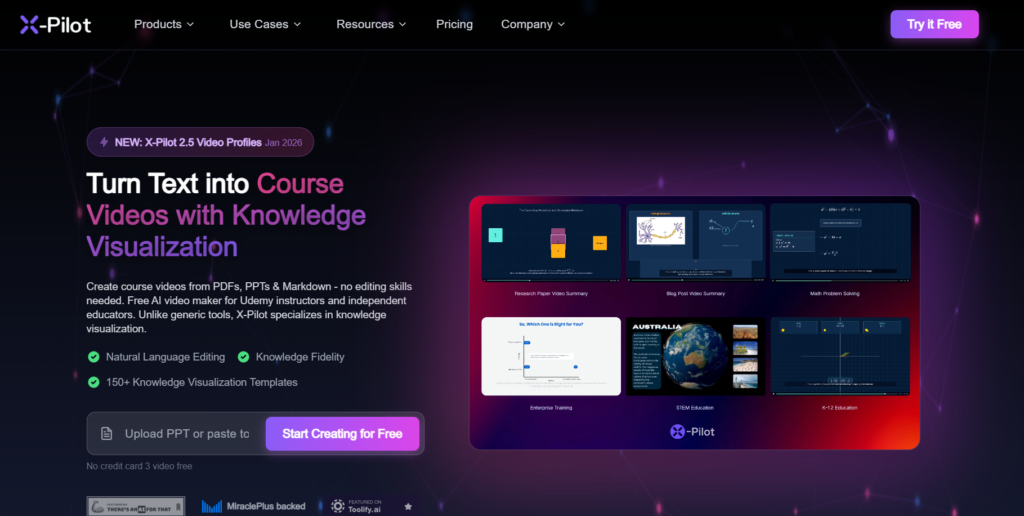
X-Pilot transforms static documents into structured video lessons.
It handles visuals, pacing, and concept breakdown automatically.
Educators and trainers can scale knowledge sharing quickly. AI productivity tools like X-Pilot turn information into engaging learning experiences.
SportBot AI: Data-Driven Sports Insights

SportBot AI studies match data and compares probabilities with market odds.
It highlights mismatches where pricing may be inefficient. This supports more informed decision-making through analysis, not guesswork. AI productivity tools such as SportBot enhance pattern recognition.
Scrollsequence: Visual Storytelling on Scroll
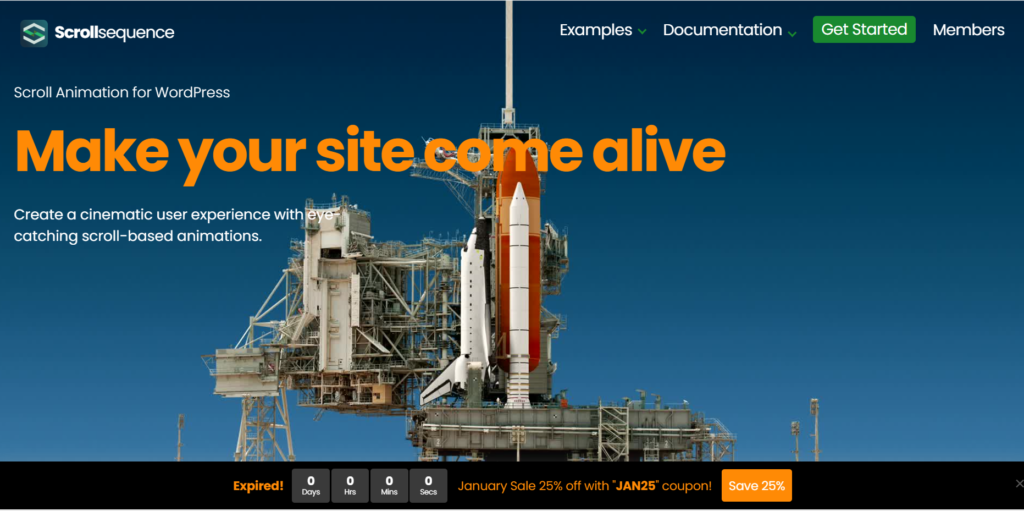
Scrollsequence enables interactive animations tied to scrolling behavior on WordPress sites.
It helps creators tell stories visually without heavy design skills. AI Productivity Tools like Scrollsequence expand creative expression while reducing production time.
Thinkfill AI: Confident Tool Selection
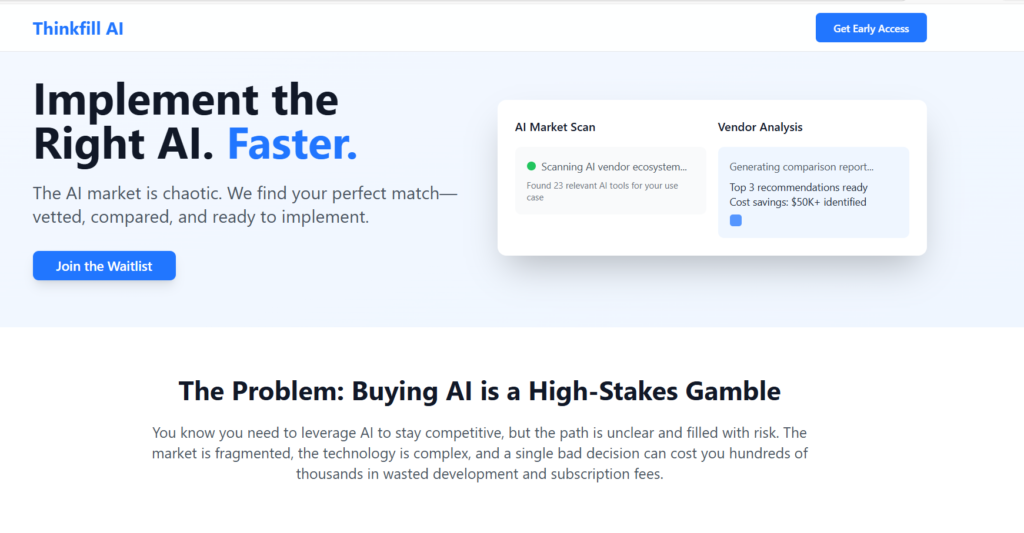
Thinkfill is an AI productivity tool that saves decision energy. This tool researches the market, evaluates tools, and produces a clear comparison report.
Instead of endless searching, users get focused recommendations.
AI Productivity Tools: Overview
| Tool Name | How the Tool Works (Simple Explanation) | Who This Tool Is Meant For and Key Benefits |
|---|---|---|
| Jotform AI Agents | This tool automatically talks to people on websites, WhatsApp, phone calls, and email. It answers questions, asks follow-ups, and collects contact details without human effort. | Meant for small businesses, service providers, and sales teams. It saves time, replies instantly, never misses leads, and reduces pressure on human staff. |
| Vivgrid | Vivgrid lets users test and use powerful AI tools for free while learning or building ideas. There is no worry about usage costs during experimentation. | Meant for students, startups, founders, and curious learners. It removes fear of AI costs, supports learning, and encourages safe experimentation. |
| Kilo Code Reviewer | This tool reads software code before it is finalized. It finds mistakes, checks structure, and suggests improvements clearly. | Meant for software developers and tech teams. It reduces bugs, improves code quality, and helps beginners learn better coding habits. |
| X-Pilot | X-Pilot converts documents like PDFs and slides into video lessons automatically using visuals and narration. | Meant for teachers, trainers, coaches, and businesses. It saves video creation time and helps explain ideas in an engaging way. |
| SportBot AI | SportBot studies match data and statistics to compare expected outcomes with public market opinions. | Meant for sports analysts and data-driven users. It reduces guesswork and supports better decisions using numbers. |
| Scrollsequence | This tool creates animations that move as users scroll on a website. It works easily inside WordPress. | Meant for marketers, website owners, and creators. It improves engagement and makes websites more interactive. |
| Thinkfill AI | Thinkfill researches many AI tools, compares them, and delivers a clear recommendation report. | Meant for founders, managers, and decision-makers. It saves research time and avoids confusion. |
FAQs
Jotform AI Agents
1. How does Jotform AI Agents understand what people are asking?
Jotform AI Agents use something called natural language processing, which simply means it understands everyday language, not just fixed commands. When someone types or speaks a question, the AI looks at meaning, tone, and intent. It figures out what the person wants and responds like a helpful assistant, not a robot following scripts.
2. Can Jotform AI Agents work without humans watching all the time?
Yes, that is one of its biggest strengths. The AI works 24/7 without breaks, answering questions, collecting names, emails, and needs automatically. Humans only step in when the conversation becomes complex or sensitive. This saves time and ensures no customer message is ever ignored.
3. Is Jotform AI Agents difficult to set up for non-technical users?
No, it is designed for beginners. You do not need coding skills. Most setup works through simple forms and settings, similar to filling an online questionnaire. The AI is trained using your own business information, so it answers correctly without complicated technical steps.
Vivgrid
1. What does free LLM API access actually mean in simple words?
It means Vivgrid lets you use powerful AI brains for free. An API is just a bridge that allows your app or project to talk to AI. Normally this costs money per use, but Vivgrid removes that worry so people can learn and test freely.
2. Why is free access important for beginners and startups?
Many people avoid AI because they fear high costs. Vivgrid removes this fear. You can try ideas, make mistakes, and learn without watching every token or bill. This helps small teams and learners build confidence before investing money into AI projects.
3. Is Vivgrid only useful for programmers?
No. While developers love it, non-technical founders and learners can also benefit. Many tools built on Vivgrid offer simple dashboards. You can experiment, test prompts, and understand AI behavior without deep technical knowledge.
Kilo Code Reviewer
1. What kind of problems does Kilo Code Reviewer catch in code?
Kilo looks for bugs, weak logic, and style issues in code. Bugs are mistakes that cause software to behave incorrectly. It also checks whether the code follows agreed rules, making it cleaner and safer. This prevents future problems that are harder and costlier to fix later.
2. Does Kilo replace human developers or senior reviewers?
No, it supports them. Think of it as a very fast assistant that checks routine issues instantly. Humans still make final decisions. Kilo simply reduces workload, improves quality, and helps teams focus on bigger design and logic decisions.
3. Are the suggestions easy to understand for junior developers?
Yes. Kilo gives inline explanations directly next to the code. It explains what is wrong and why, using simple language. This makes it a learning tool, not just a checking tool, especially helpful for beginners.
X-Pilot
1. How does X-Pilot convert documents into videos automatically?
X-Pilot reads your content, breaks it into ideas, and then creates visuals, slides, and narration automatically. It understands structure and flow. You do not need to plan scenes or timing. The AI handles that, turning written knowledge into watchable lessons.
2. Do users need video editing or design skills to use X-Pilot?
No. That is the main benefit. X-Pilot removes the need for cameras, editing software, or design experience. You simply upload content. The AI takes care of visuals, pacing, and clarity.
3. Who benefits the most from X-Pilot?
Teachers, trainers, coaches, and businesses benefit greatly. Anyone who wants to teach or explain ideas at scale can use it. It saves time and allows knowledge to reach more people faster.
SportBot AI
1. What kind of information does SportBot AI analyze?
SportBot studies match data like team performance, player history, and statistics. It also looks at probability models. This means it uses numbers and patterns to understand what outcomes are likely, instead of relying on emotion or hype.
2. Does SportBot AI predict matches like fortune-telling?
No. It does not guess. It compares data-based probabilities with market prices. When these numbers do not match, it highlights potential inefficiencies. This is logical analysis, not luck or belief.
3. Can someone with no sports analytics background use it?
Yes. The insights are presented clearly with explanations. You do not need to understand advanced math. The AI translates complex data into simple conclusions that are easy to follow.
Scrollsequence
1. What does scroll-based animation mean in simple terms?
It means visuals move as you scroll down a webpage. Instead of clicking buttons, your scrolling controls the story. This makes websites feel more alive and engaging.
2. Do users need animation or coding skills?
No. Scrollsequence works directly in WordPress. You can create animations visually without learning complex software or writing code. This opens creative storytelling to beginners.
3. Why is scroll-based content important today?
People have short attention spans. Interactive scrolling keeps visitors engaged longer. This helps brands, educators, and creators communicate ideas more clearly and memorably.
Thinkfill AI
1. How does Thinkfill AI decide which tools are best?
Thinkfill scans the market, reviews features, checks expert opinions, and compares pricing. It then filters everything into a clear shortlist. This saves users hours of research and confusion.
2. What is a comparison report and why is it useful?
A comparison report shows top tools side by side. It explains strengths, weaknesses, and best use cases. This helps people make confident decisions instead of guessing.
3. Who should use Thinkfill AI?
Anyone overwhelmed by too many AI tools. Founders, managers, and solo creators benefit most because it simplifies decision-making.
Scottie
1. How does Scottie know what news matters to me?
Scottie learns from what you read and what you skip. Over time, it understands your interests. It then prioritizes similar topics. This is personalization, meaning news is selected for you, not everyone.
2. Does Scottie replace full news articles?
No. It summarizes first. If something interests you, you can explore deeper. This saves time while keeping you informed.
3. Why is personalized news important today?
There is too much information. Scottie filters noise so your attention stays focused. This reduces mental overload and helps you stay informed calmly.
Related Posts
Gemini in Chrome: Miss This AI Shift and Waste Hours Browsing
AI Project Genie Is Reshaping Reality, Will You Fall Behind?
The Secret AI Tools for Educators No One Talks About
AI Tools for Veterinary Care: The Hidden Gap Costing You Clients
Conclusion
AI productivity tools are not about replacing people, but about restoring human attention to higher-value thinking.
When repetitive analysis, communication, and filtering are automated, clarity improves. Decisions become calmer. Work becomes lighter.
As these tools mature, their real impact will be psychological as much as operational. Less overwhelm. More signal.
Used wisely, AI productivity tools create space for judgment, creativity, and meaningful progress in both personal and professional life.